Review UAV Settings
Use UAV Settings to inspect aircraft information, run pre-flight procedures, manage safety behavior, and work with live controller parameters and records.
Navigation: Menu > UAV Settings
Before You Start
Connect the aircraft first.
Wait for parameters to load before expecting the full section set to become useful.
Treat this area as aircraft-side configuration, not station-only preferences.
Steps
Open Overview to review the aircraft summary, payload, battery level, GPS state, and firmware details.
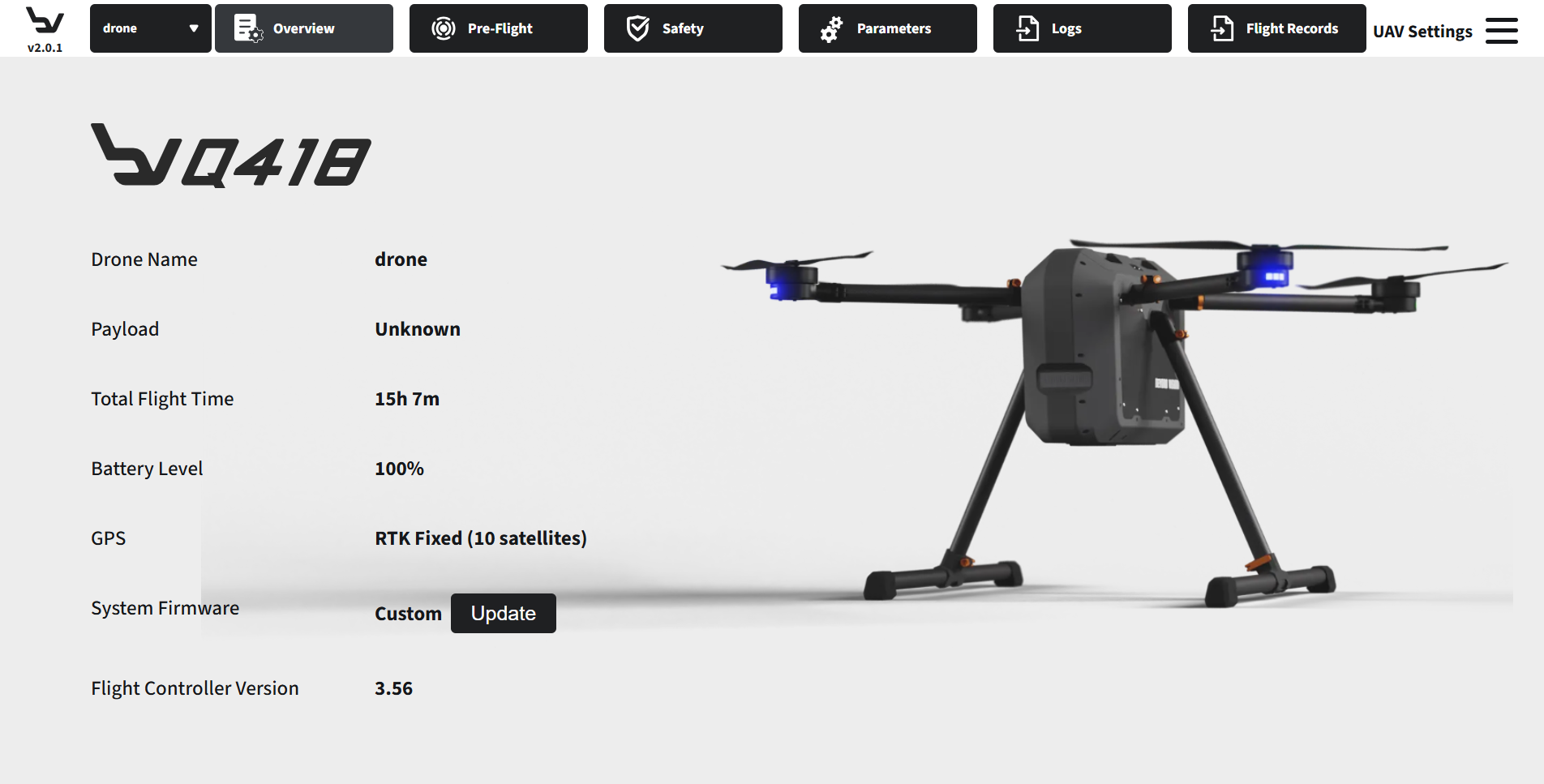
Fig. 115 Step 1: UAV overview
Open Pre-Flight to access calibration workflows, sensor checks, and motor-test related tools.
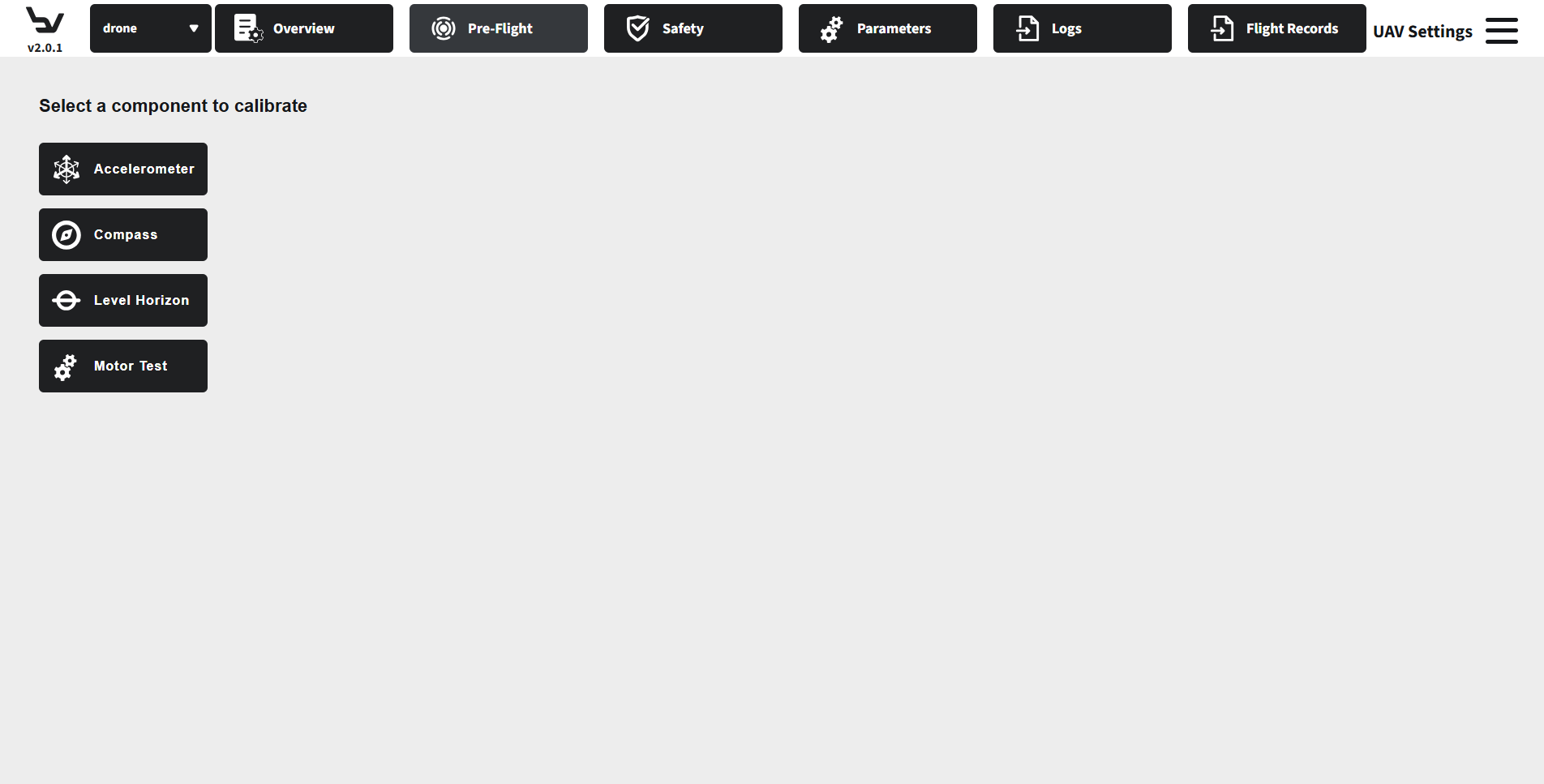
Fig. 116 Step 2: Pre-Flight tools
Open Safety to manage battery failsafes, return-to-launch behavior, geofence settings, and arming checks.
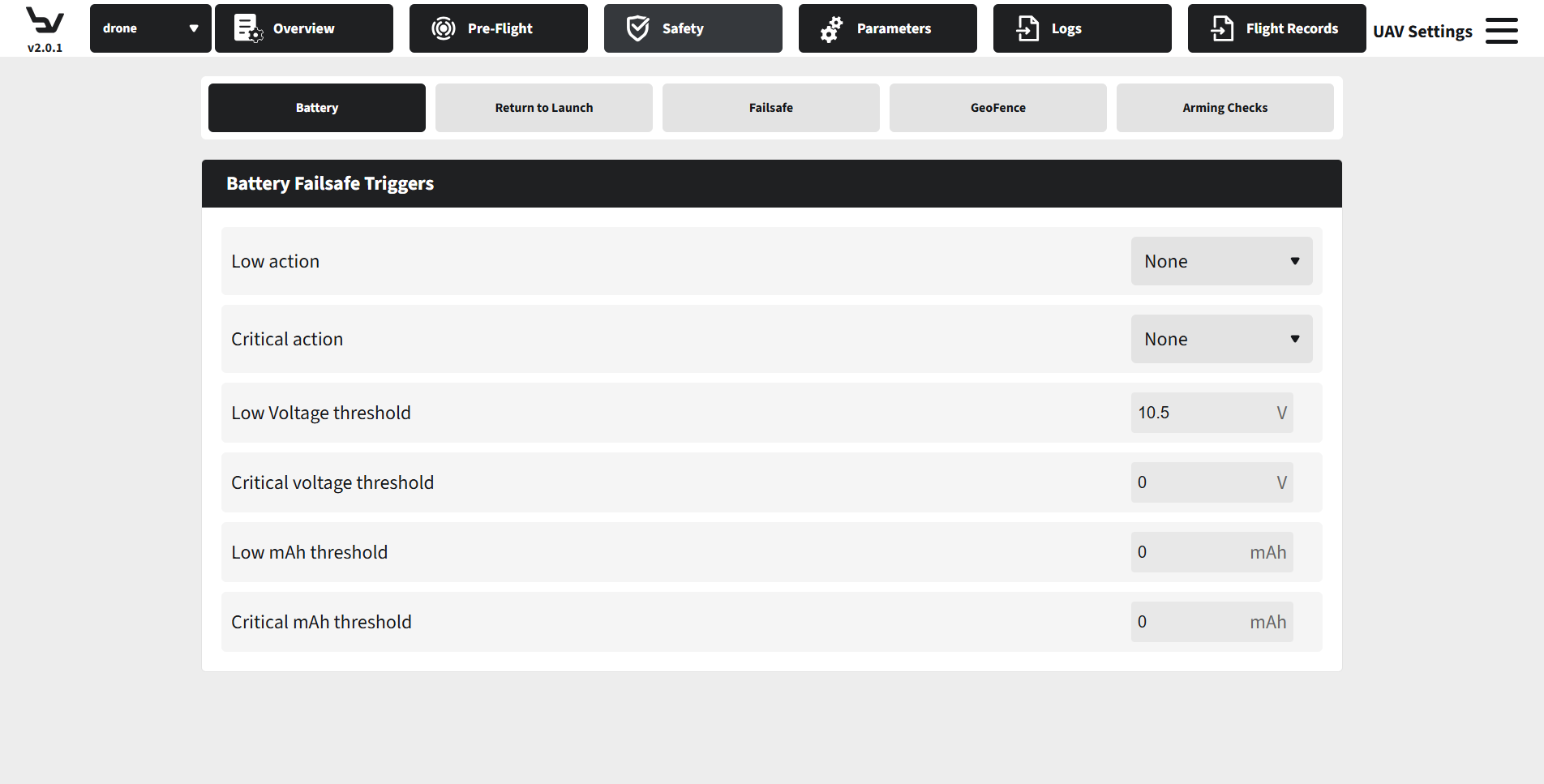
Fig. 117 Step 3: Safety settings
Open Parameters to search, inspect, edit, and save controller parameter values.
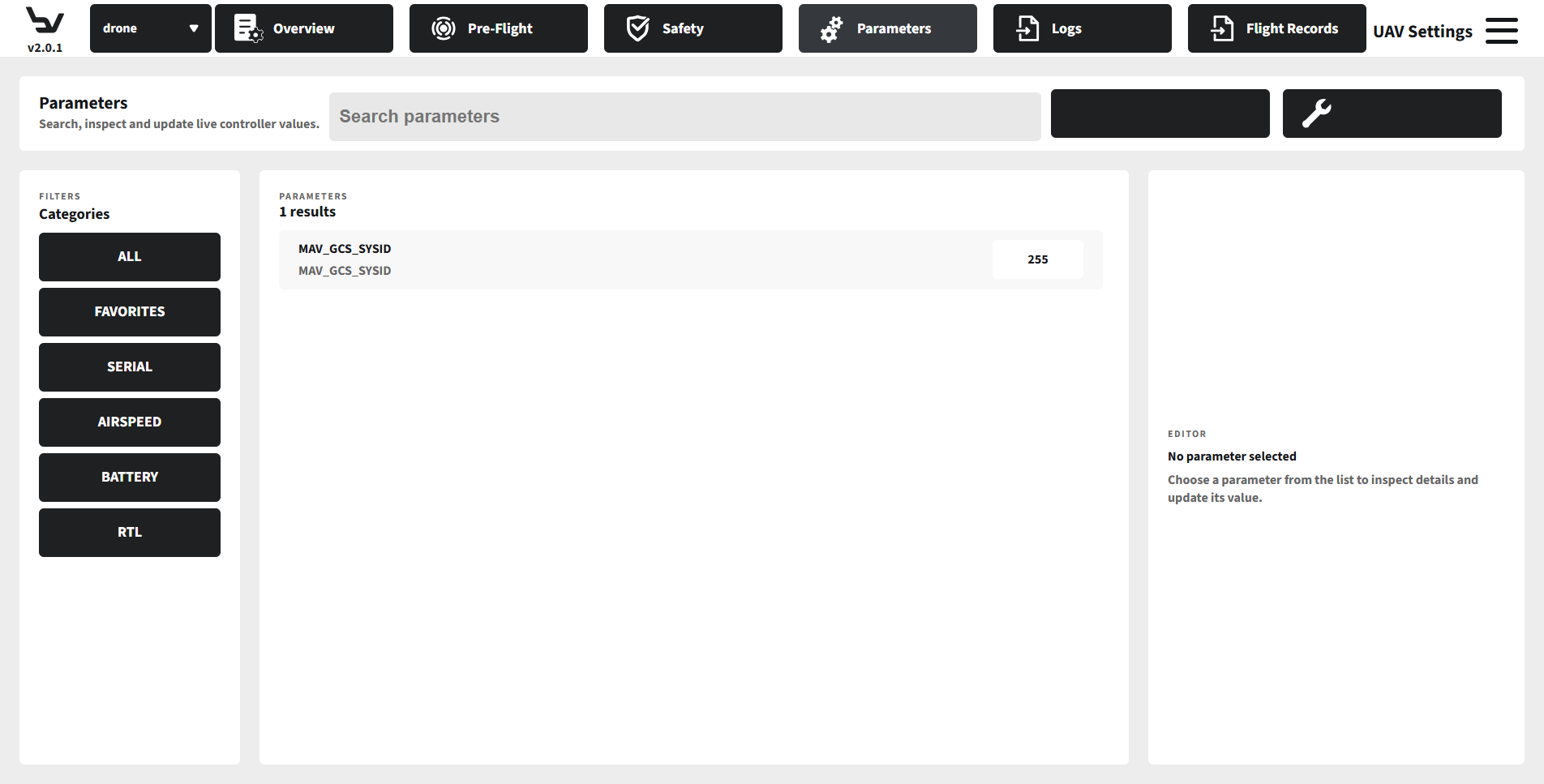
Fig. 118 Step 4: Parameters editor
Open Logs to access the flight log download workflow through the aircraft hotspot when that service is available.
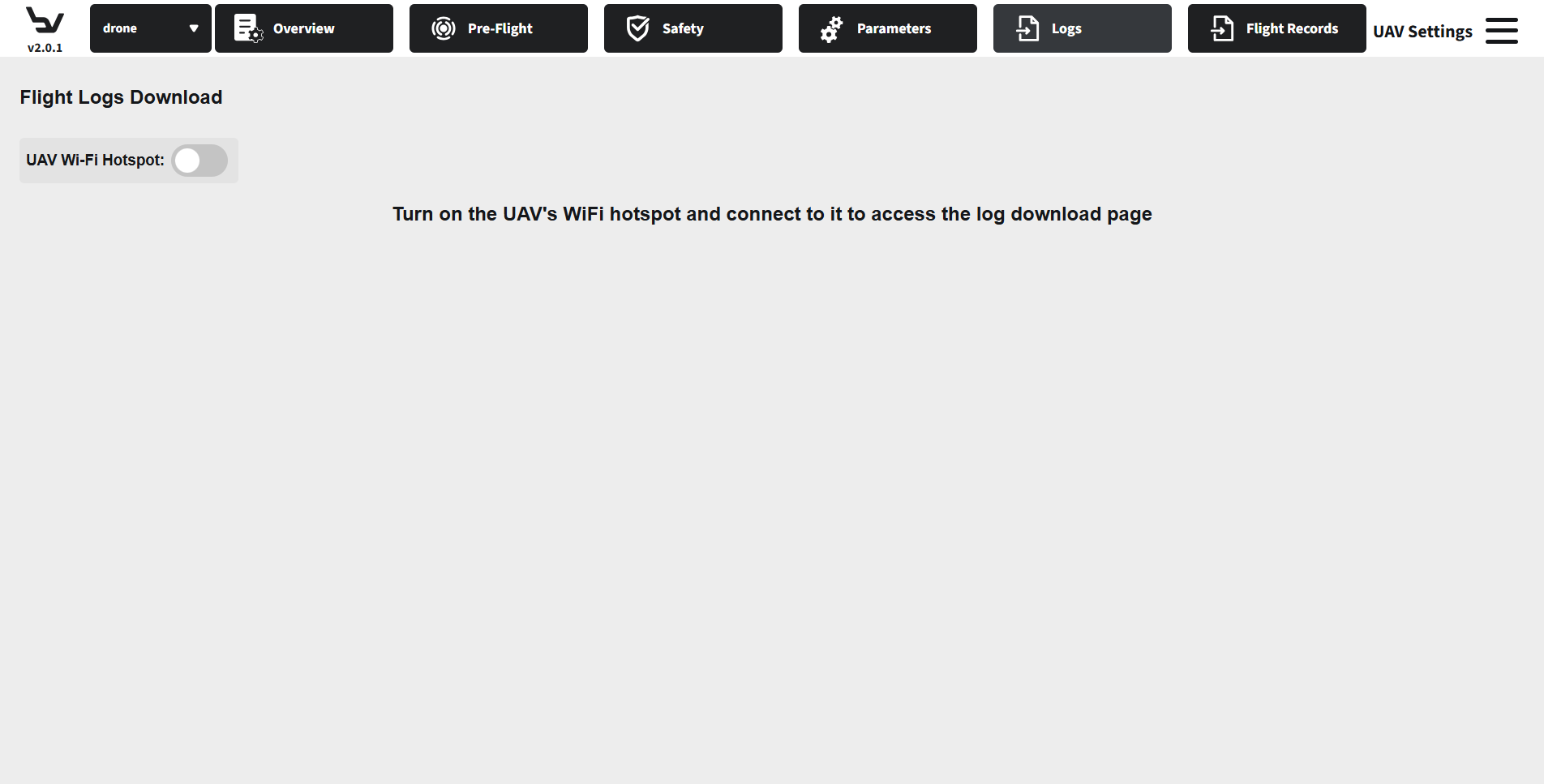
Fig. 119 Step 5: Logs page
Open Flight Records to refresh the records table and download or delete stored flight reports.
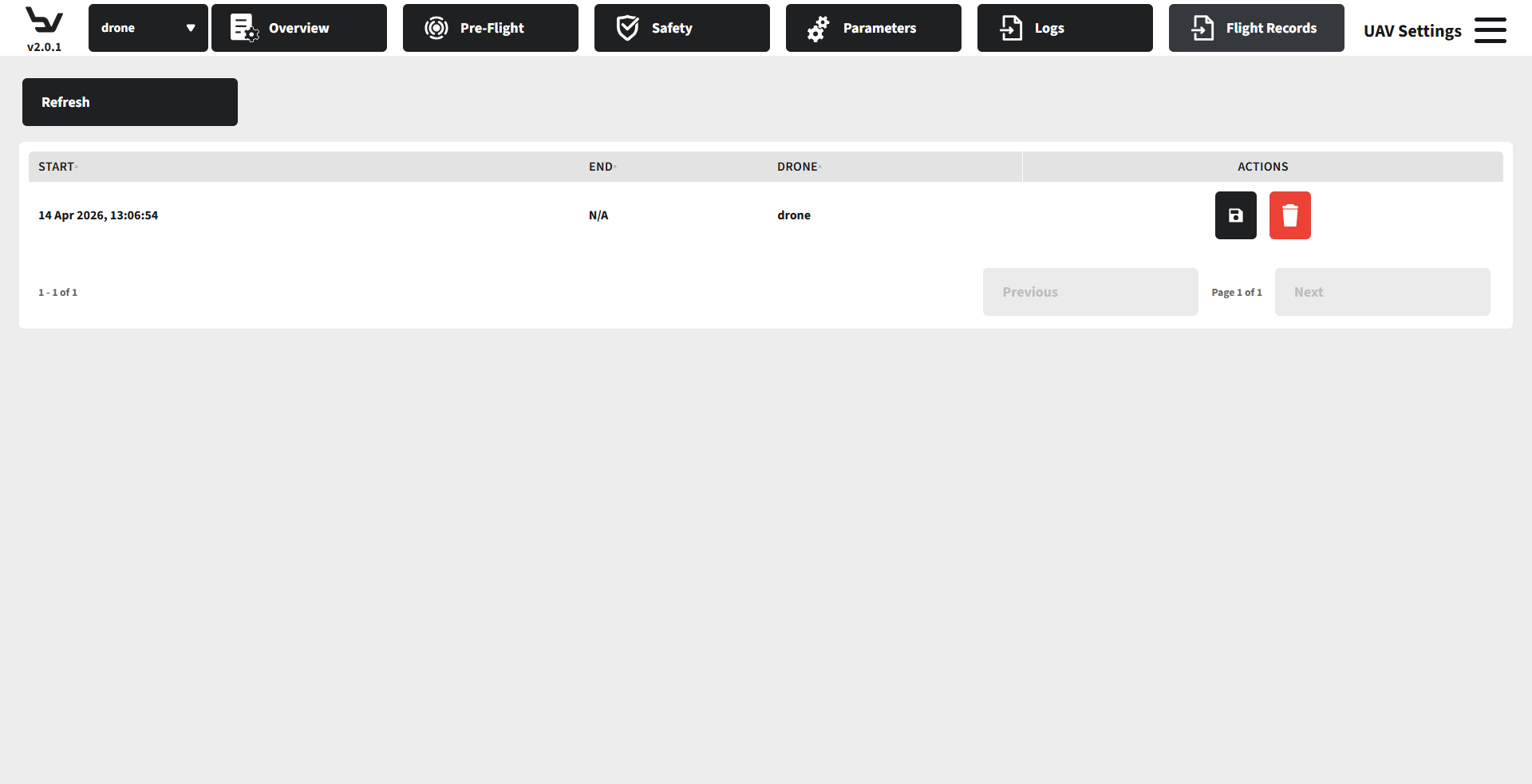
Fig. 120 Step 6: Flight Records
Caution
Many controls in Safety, Pre-Flight, and Parameters change live aircraft behavior. Use them only when the aircraft is in a safe operational state.
Expected Result
The connected aircraft exposes its UAV-side pages, and you can inspect status, edit controller settings, and review historical records from one settings workspace.
Troubleshooting
If sections stay empty or disabled, reconnect the aircraft and allow parameter loading to finish.
If the Logs page cannot load, confirm the aircraft hotspot is enabled and the station is connected to the correct Wi-Fi network.
If Flight Records is empty, refresh the table and confirm the aircraft has generated records in prior sessions.